The file is the only truth
What you get is a plain .md on disk, not a row in a database. Put it in git, drop it in iCloud, open it in VS Code — all of it just works. You can leave for another tool any day, and your writing stays where it is.
Markit is a native macOS Markdown editor — for the Markdown you write, and for the pile your AI tools leave behind. Syntax is for parsers, the page is for you: it renders as you type instead of sitting in your way — and what lands on disk is an ordinary .md file. Commit it, sync it, open it in VS Code, or stop using Markit altogether. Your writing never needs migrating.
Version 1.0 is on the Mac App Store — macOS 14 or later, one universal build for Apple silicon and Intel. Rather not install anything? The editor further down this page is the real one: you can type in it right now.
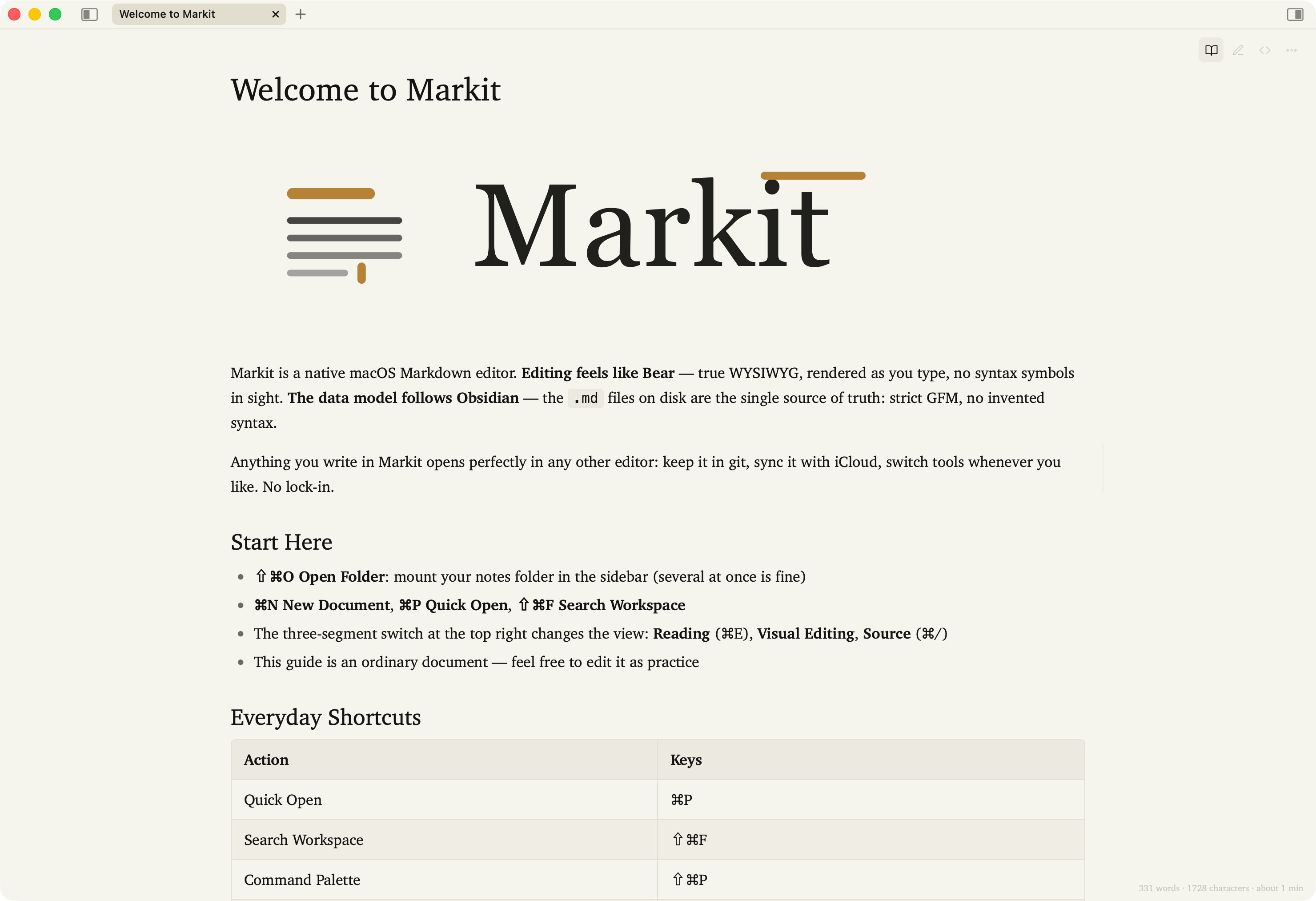
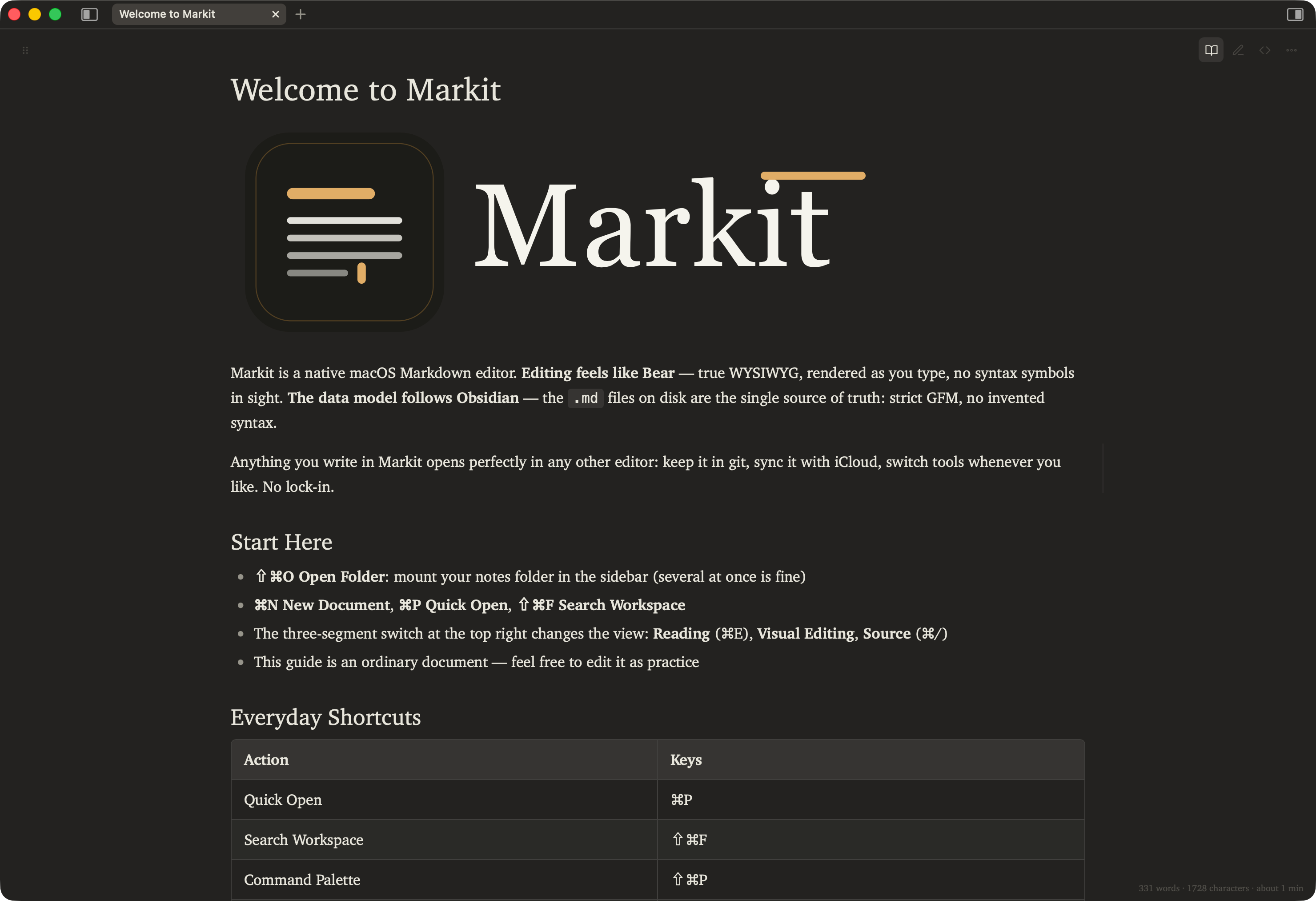
What you get is a plain .md on disk, not a row in a database. Put it in git, drop it in iCloud, open it in VS Code — all of it just works. You can leave for another tool any day, and your writing stays where it is.
Asterisks and hashes turn into bold and headings the moment you type them, and the line under the cursor doesn't fall back to raw syntax. Chinese input stays uninterrupted — that was verified before a single line of feature code was written.
A 720px measure, automatic spacing between Latin and Chinese, emphasis dots instead of slanted glyphs, punctuation that never hangs wrong. Every one of those was decided against a written standard, not eyeballed.
This is not a roadmap. Everything below runs today.
Line endings, BOM and frontmatter are preserved byte for byte. Writes are atomic, so a killed process never leaves half a file. Conflicts are detected by content hash rather than mtime, which sync services rewrite for no reason. Fix a typo and the diff is one line.
Visual editing, raw source and reading, from the segmented control at the top right or with ⌘E and ⌘/. Source view is a real editor — the whole file, frontmatter included. Leaving reading view returns you to whichever editing view you came from, not always the visual one.
Drag a file from the sidebar, a link inside a document, or a whole tab — whichever edge of the editor you drop it on is where it splits. Quit and reopen: the layout is still there.
Open one file in two panes and the reading pane keeps up as you type — unsaved text included, without touching the disk or your dirty state. Drafts go only to panes in reading view; if nobody is looking, not a byte crosses.
The sidebar can hold several folders at once. But [[links]], relative image paths and rename scans resolve only inside the folder the document itself lives in — opening one more folder never changes what an existing document means.
One index per folder, with full-text search that actually works for Chinese. Quick open, full-text search, the command palette and backlinks all share a single panel; ⇥ moves between them.
[[Name]] and #nested/tags, written the way Obsidian writes them. Renaming a file tells you how many files it will touch before it touches them, then updates every reference.
Images, PDFs and media open as preview panes; code and CSV open as read-only syntax-highlighted views; an http link opens as a browsing pane. Each takes its own pane beside your document.
Mermaid diagrams and Markmap mind maps draw themselves in place, and show their source again when the cursor enters. One that fails to draw falls back to an ordinary code block rather than a blank hole. $…$ and $$…$$ go through KaTeX, in editing and reading alike.
Warm paper, cool white and dark, optionally following the system. Body text uses LXGW WenKai, bundled offline — the app has no networked runtime dependency at all.
English, German, French, Spanish, Japanese, Korean, Simplified and Traditional Chinese — the same eight this site speaks. Following the system is the default, and for Chinese it goes by script rather than region, so a Hong Kong system gets Traditional.
Export a self-contained HTML file (images inlined as data URIs, so a single file is enough to send someone) or a PDF.
AI tools generate plans, reports and meeting notes faster than anyone reads them. Here is what Markit does with a folder full of them.
Headings, tables and diagrams included. The sidebar holds several folders at once, so the docs/ of three different repositories can sit side by side without their [[links]] bleeding into each other.
A pane you haven't touched picks up the change as it lands. A pane holding unsaved work only tells you, and never overwrites it — so you can keep editing while the tool next door keeps generating.
Generated Mermaid is often subtly wrong. One that won't render falls back to an ordinary code block you can read and fix, instead of a blank rectangle. Markmap and KaTeX draw in place the same way.
The app has no networked runtime dependency at all. Whatever you were drafting, and whatever your AI drafted for you, stays on your disk.
This section says more about the product than the feature list does.
Your files have to open correctly in VS Code, so nothing outside GFM gets added — not even ==highlight==.
Bear can invent syntax because Bear owns the storage. We chose files, so we give up that freedom. A deliberate trade, not an unfinished one.
Writing alone isn't good enough yet. A second front can wait.
iCloud and Dropbox already sync your folder. We don't need to do it a second time.
AI is already writing. What's missing is the other end — reading it, and keeping it somewhere it won't rot. So this app doesn't reach the network, and nothing here goes to a model.
We laid out the Markdown syntax you actually use every day — headings, lists, tables, callouts, code — as one essay you can read straight through, and it is the first document the online editor opens. This site and the app share one set of design tokens and one set of typographic rules; even the tint behind a callout comes from the same formula.
On the Mac App Store: version 1.0, macOS 14 or later, universal for Apple silicon and Intel. If you'd rather not install anything, the online editor works in Chrome or Edge — mount a folder from your disk and edits are written back to those .md files a second after you stop typing (⌘S writes immediately).
The Mac App Store page always shows the current price — the one place that can't go stale. What won't change: it will never hold your files hostage. Stop using it and your .md files still open.
It's a v2 goal. The editor layer has been written under cross-platform constraints since day one — no file paths in the web layer, a requestId reserved in the bridge protocol. It's the shell that has to be rewritten. Until then, Windows can use the online editor — Chrome and Edge mount a local folder just the same.
The data model is close to Obsidian: files as truth, wikilinks, tags. The editing feel is closer to Bear: true WYSIWYG, no syntax markers. And Chinese typesetting has been a first-class concern since the first commit.
No. The app has no networked runtime dependency and bundles its own fonts. This website has no forms and no analytics either — see the privacy policy.